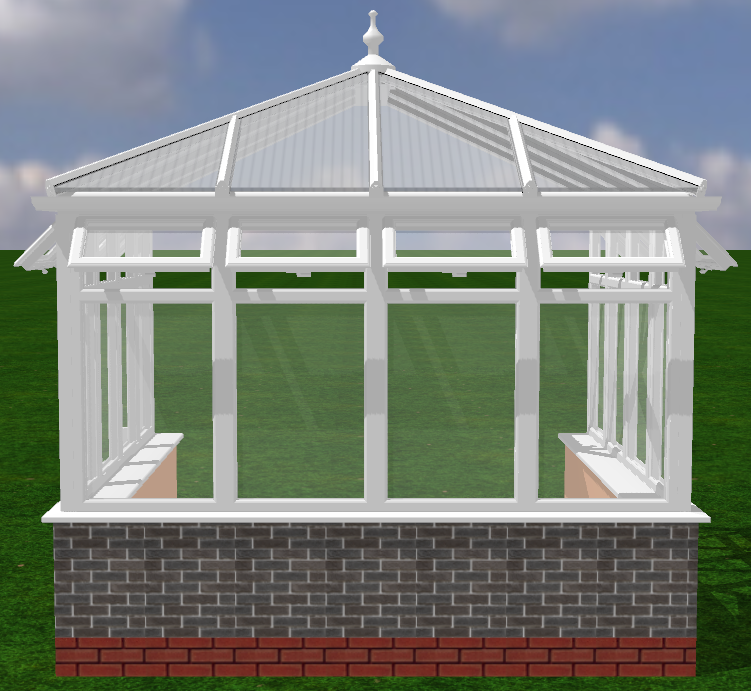
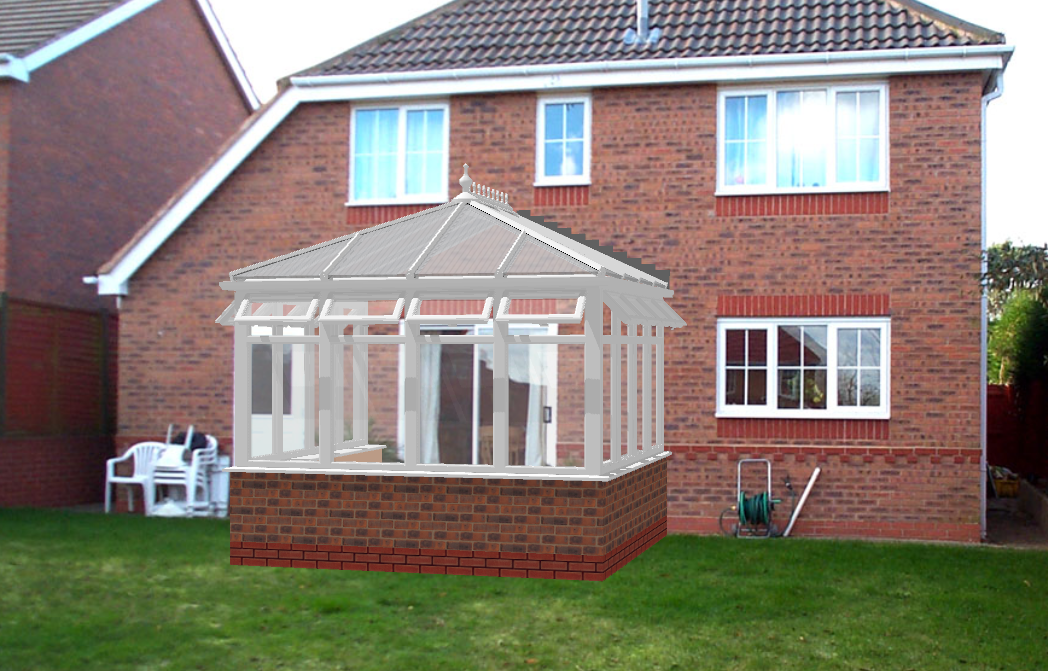
This guide will show how to superimpose a design onto a customer's house.
- In the 3d tab click on the "photo" drop-down menu, then select either "house photo" or "garden photo".

- Find your image in windows file explorer and click "open".
- Move and rotate the design to fit the desired image.
Brickwork Sampling - Adding Custom Brickwork to RoofWright
You can add any 128pxl by 128pxl image of brickwork to RoofWright. The file can be a .bmp/.png/.jpg. You can usually find the type of brick on google by searching for it and then downloading the image, alternatively, you can take a picture of the brickwork then edit it to be 128/128. To import this to RoofWright, follow the steps below.
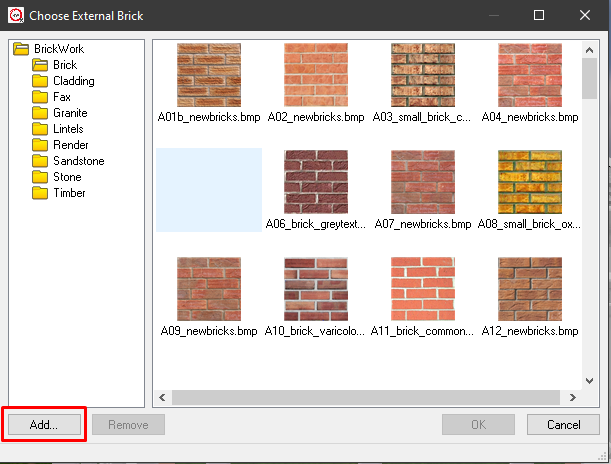
- In the 3D tab, select "External Brickwork" then "Change External Brickwork".

- Then select "open" in the next menu, then find the brickwork file and click "Open" in windows explorer.
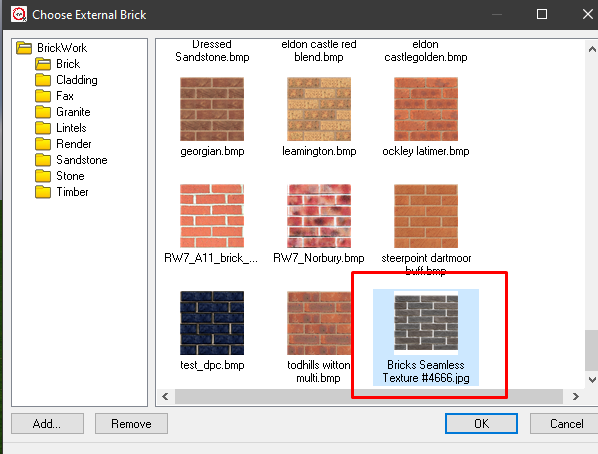
- The chosen image will appear in the list, select the image and click "Ok".
- The brickwork will now appear on the design.