How to change your password
-
- Log into your account via https://portal.homeapphub.com/.
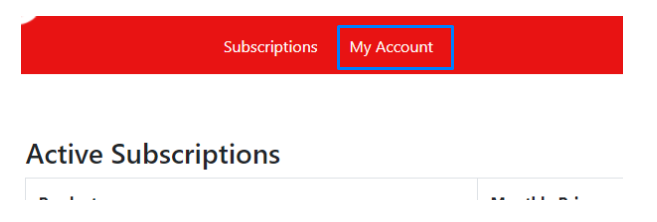
If you need to reset your forgotten password see the wiki page, How to reset your forgotten password. - Select ‘My Account’ from the top navigation.
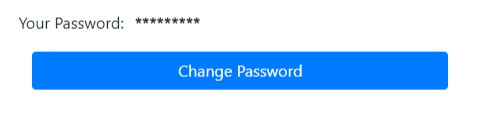
- Select the ‘Change Password’ Button.
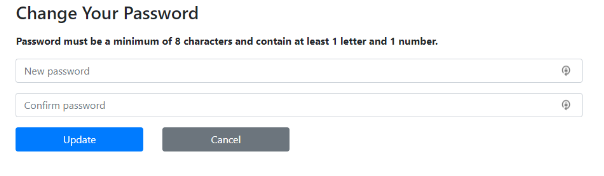
- Enter your new password in the 2 fields and select Update. The fields need to match, be a minimum of 8 characters and contain a letter and a number.
- If the password is accepted you will be returned to your account page.
- Log into your account via https://portal.homeapphub.com/.