This guide will explain how to view a design in the Photorealistic Viewer after you have been sent a unique code.
- Download the RPS Viewer App, you can do this here.
- Open the app.
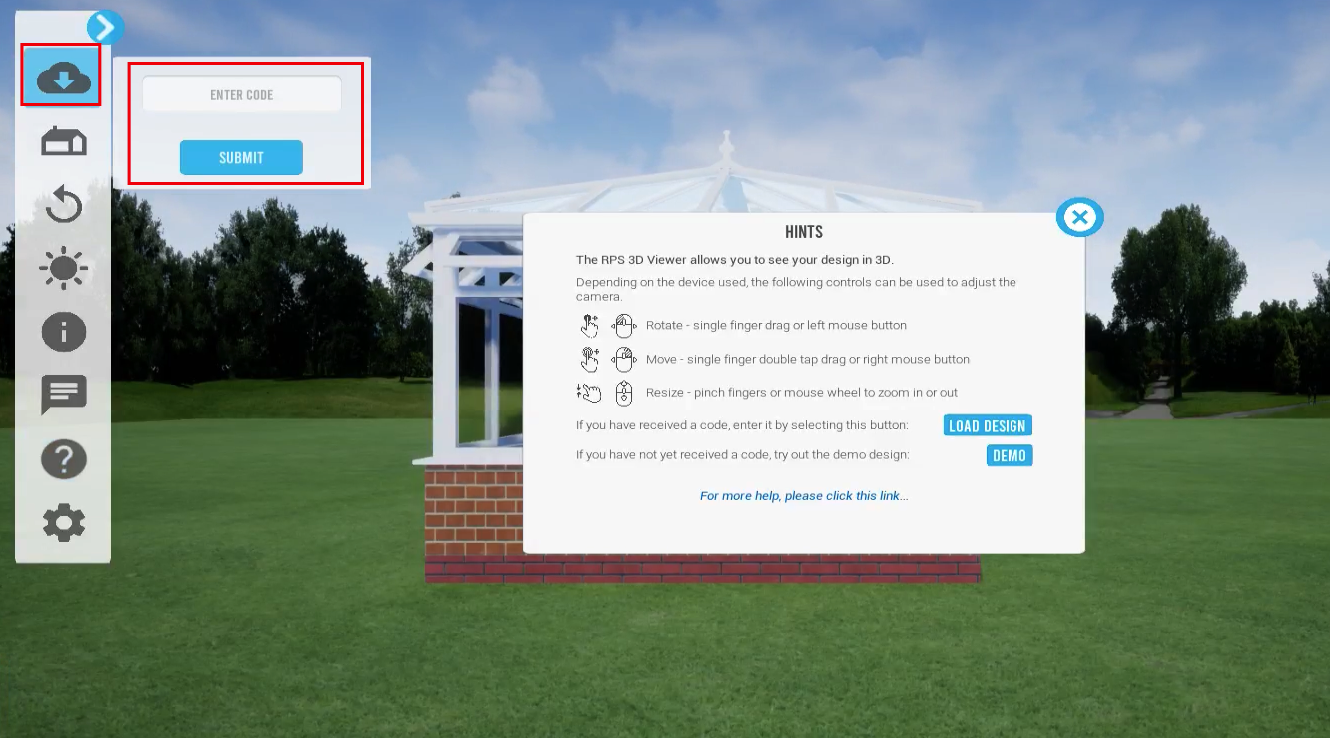
- To enter the code within the app, click the top icon on the left menu bar then enter the code and click "Submit".
- If you have been sent a new code and want to view the updated design, simply follow step 1 above.